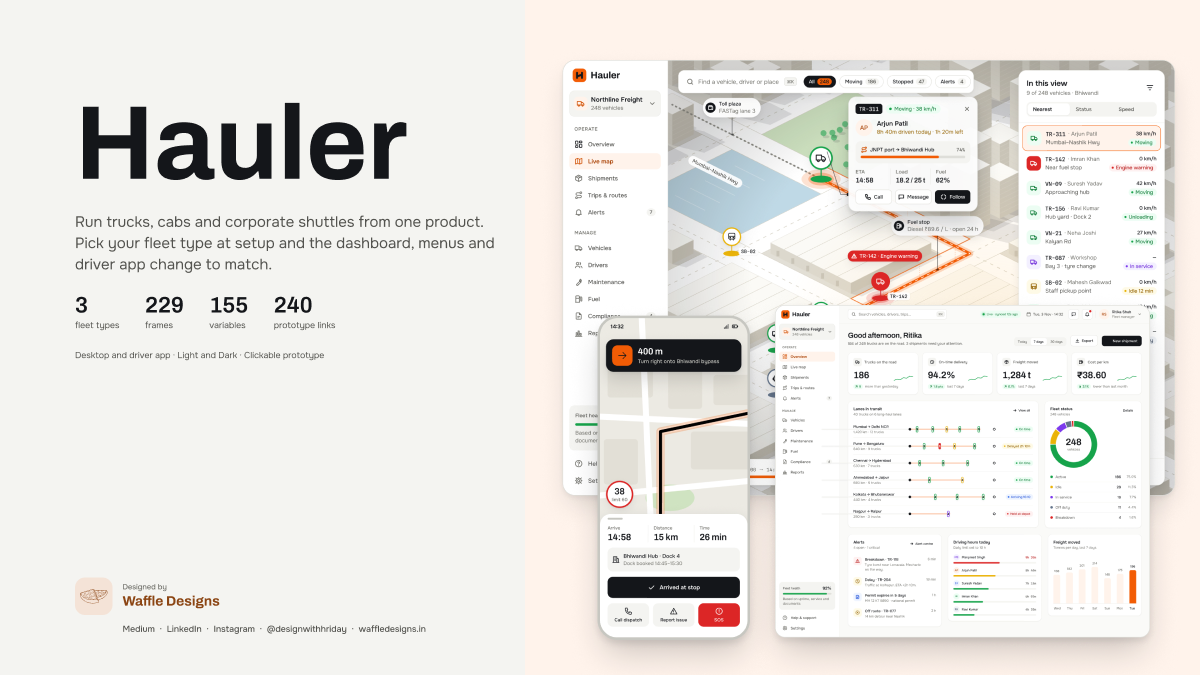
Live map, in 3D and 2D
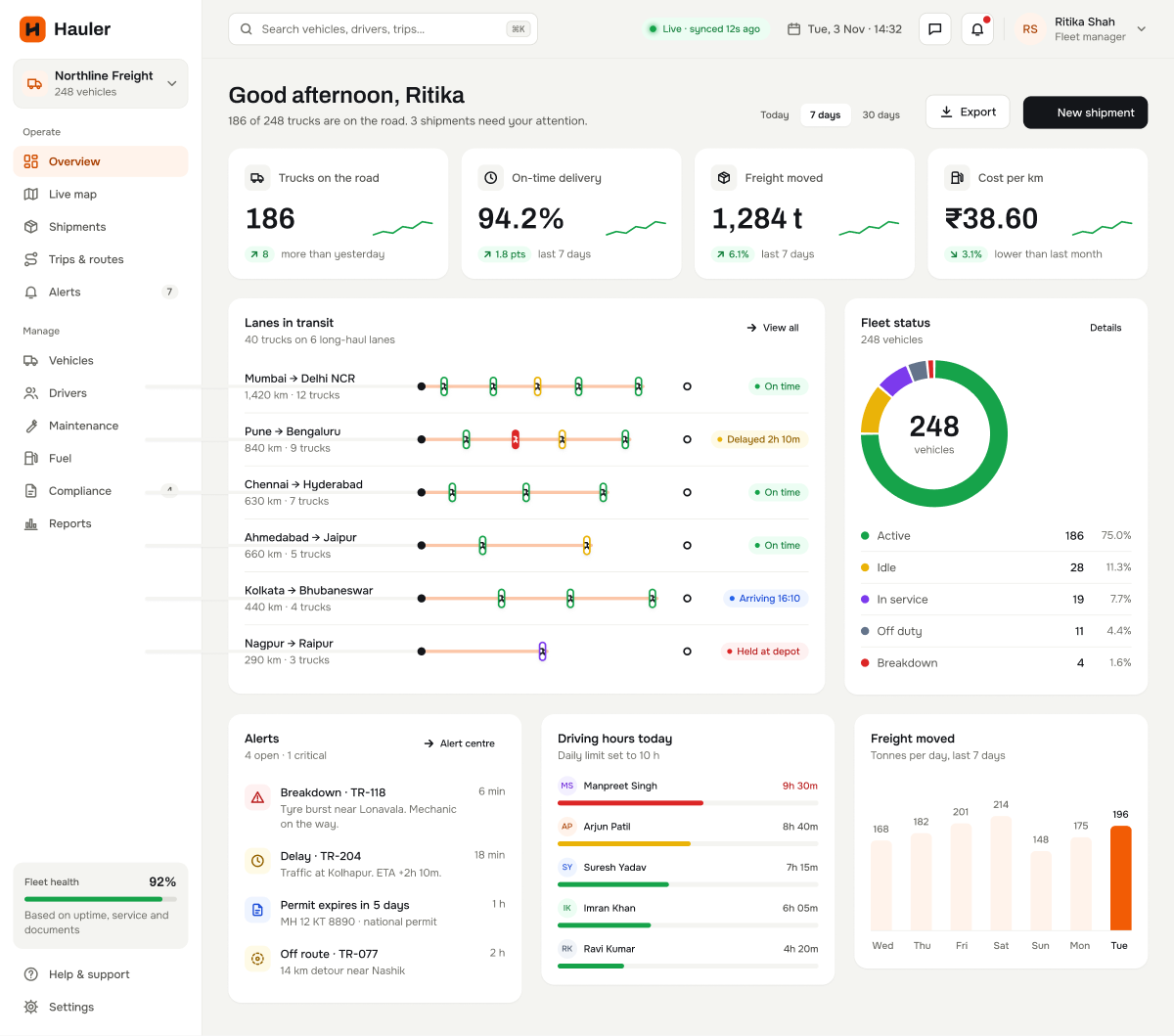
An isometric city with route ribbons, floating vehicle labels and geofence zones, plus a flat 2D view for dense areas. Day and night come from the same tokens.
- Layer for traffic, depots, fuel stations and tolls
- Replay any trip with a scrubber and event marks
- Demand zones for cabs, shuttle stops for corporate runs
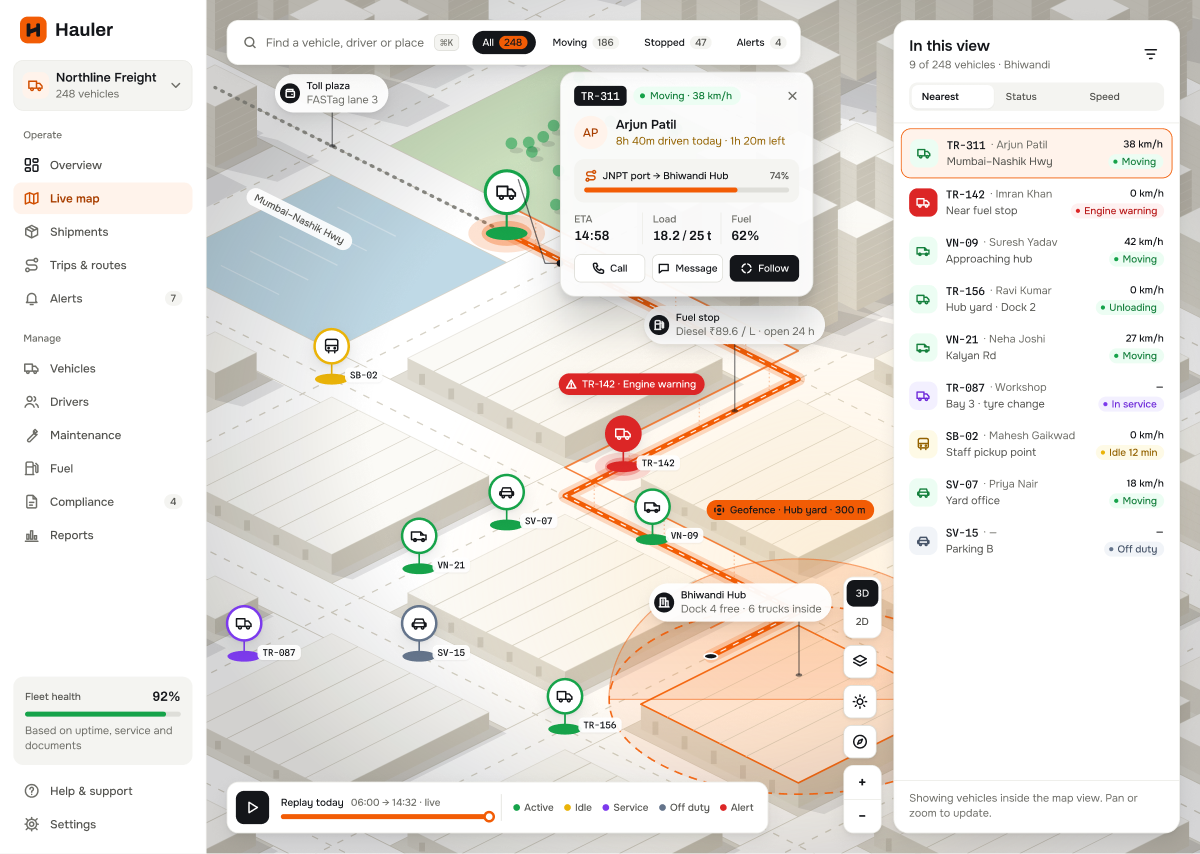
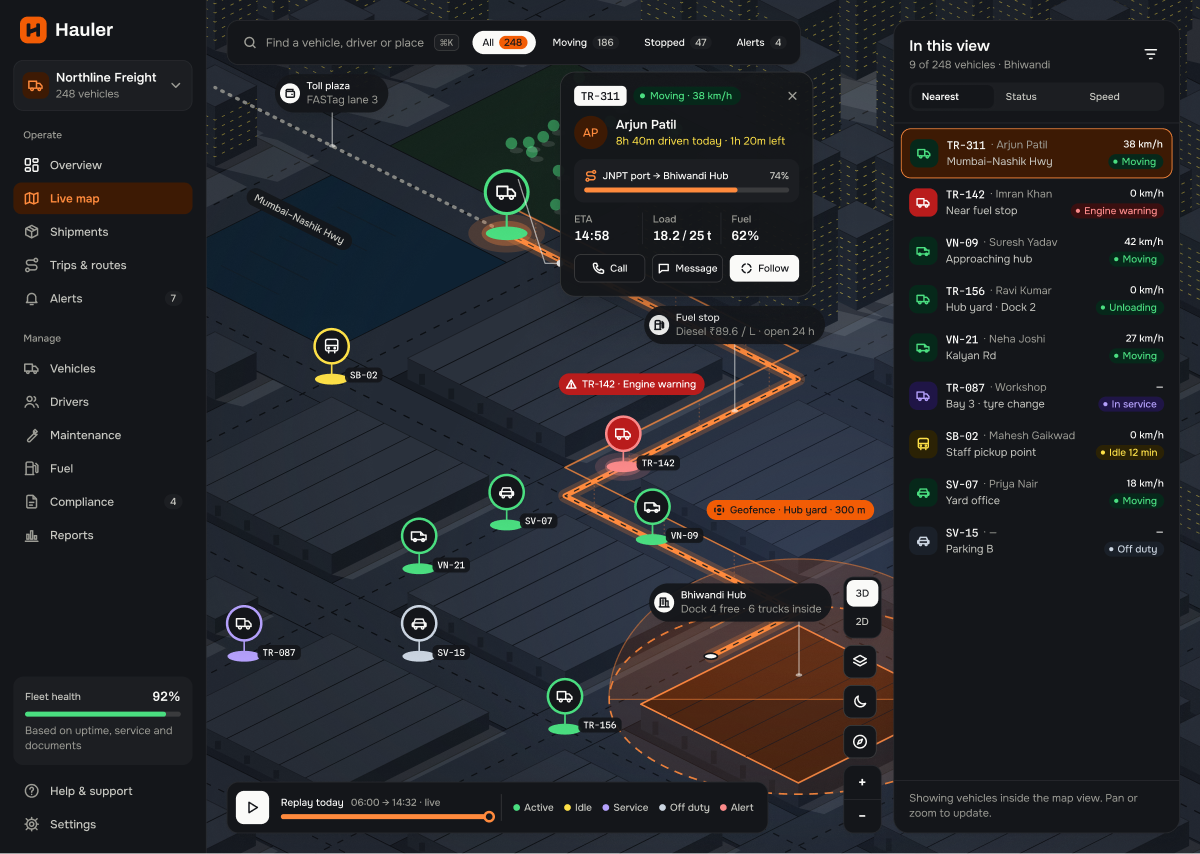
Dispatch, trips and the hard moments
A trip planner with stops and time windows, live progress per trip, and screens for the moments that go wrong: handing over a trip when a driver runs out of hours, partial deliveries and refused loads.
- New trip planner and reassign mid-trip
- Get request queue with suggested drivers
- Corporate seat load, waitlist and run merging
- Proof of delivery with photos and seal numbers
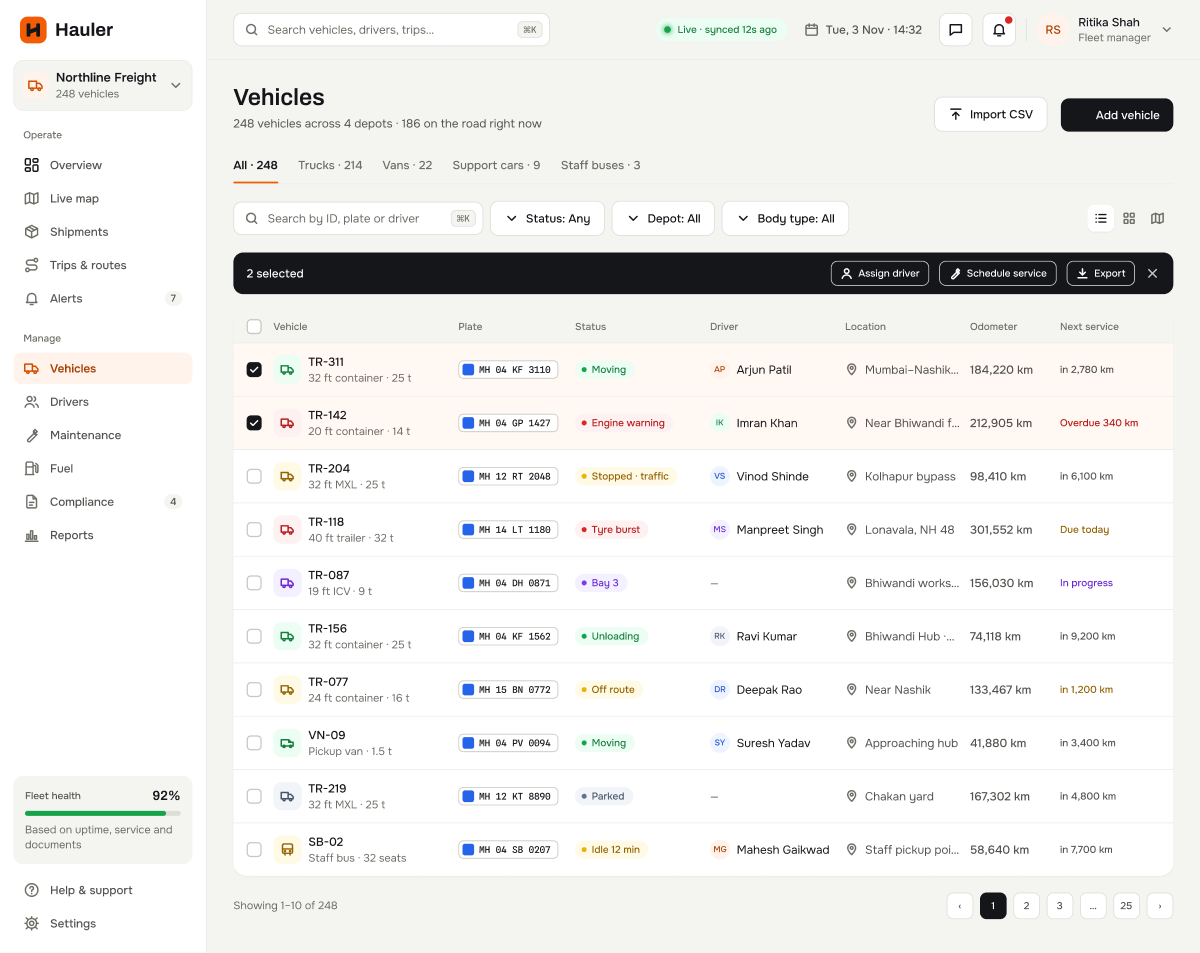
Compliance that blocks bad trips
A vehicle and document grid with expiry colours. A truck with an expired document can't be dispatched, and every override needs a reason and is kept in a log.
- Vehicle and driver documents in one view
- Reminder rule per document type
- Renewal upload that reads number and dates
- Override log kept for five years
A driver app for gloves and bad signal
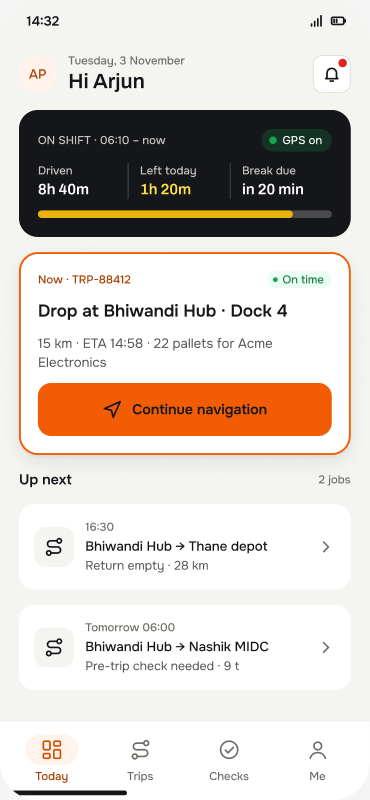
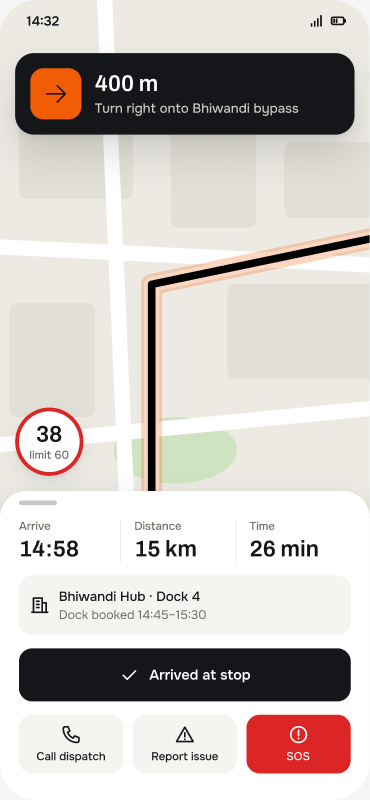
18 screens at phone size, with big targets, an offline queue and plain words. Ships with type styles for Hindi, Marathi and Tamil.
- Shift, pre-trip checks and navigation
- Proof of delivery, fuel receipts and expense claims
- Break reminders and an SOS you feel to send
- Cab ride requests with a 10-second countdown
A tracking link for your customers
Share a live link when a trip starts. Customers see progress and ETA, never the driver's phone number or the full plate, and the link stops working two hours after delivery.
- Live ETA with traffic-adjusted estimate
- No login required for the customer
- Auto-expires two hours after delivery
- White-label ready through token colours